

Group contacts by company
Companies, company, B2B, accounts, domains, organisationCompanies groups contacts from the same business, so you can see all their people and tickets together. This is useful if you sell to businesses or support customers who belong to the same organisation.
To open it, click Companies in the left menu.
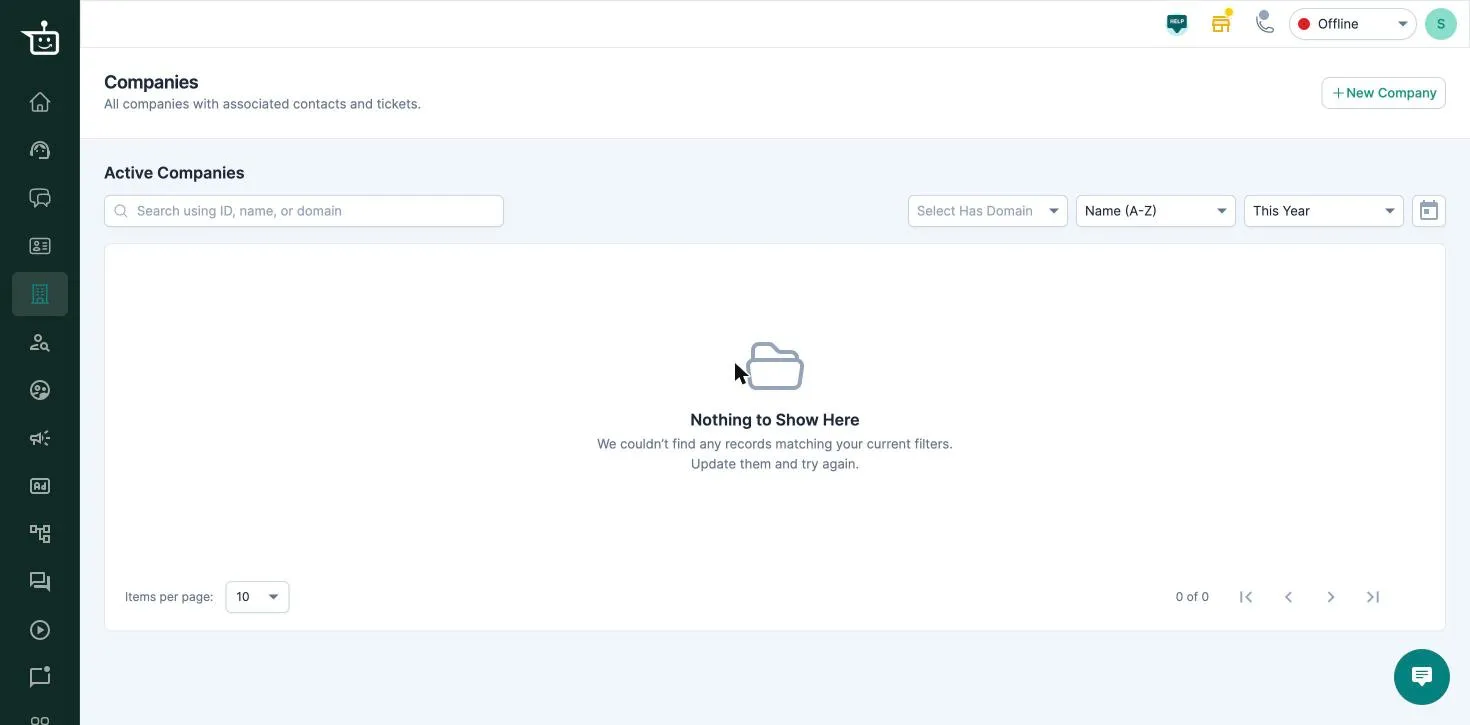
The list shows each company’s Domains, Associated Contacts and Associated Tickets. You can search by ID, name or domain, filter by whether a company has a domain, and sort by name or date created.
Create a company
Section titled “Create a company”-
Click New Company.
-
Enter the Company name and, if you like, a Description.
-
Add at least one Domain, for example
acme.com. A domain can belong to only one company. -
Click Create company.
Link contacts to a company
Section titled “Link contacts to a company”- Automatically: when a new contact is created, or an email is added to a contact, BusinessOnBot matches the email’s domain to your companies. If exactly one company has that domain, the contact is linked to it.
- By hand: open the company and click Add Contact, or open a contact and click Add Company.
When a contact is linked, all their existing tickets are linked to the company too. If you remove the contact from the company, their tickets are unlinked.
A company’s page
Section titled “A company’s page”Open a company to:
- Edit its name, description and domains.
- See its Contacts and mark one company as a contact’s primary company.
- See all Tickets from its contacts.
- Delete the company from More. Its contacts and tickets stay as they are.
Related
Section titled “Related”Was this page helpful?
Thanks, this helps us improve this page.
Still stuck? Email support@businessonbot.com