

Live Analytics
Support Analytics, live dashboard, agents online, open tickets, agent statusLive Analytics is a real-time view of your support team. Use it during the day to spot a backlog or an agent who’s overloaded.
To open it, go to Dashboard → Support Analytics → Live.
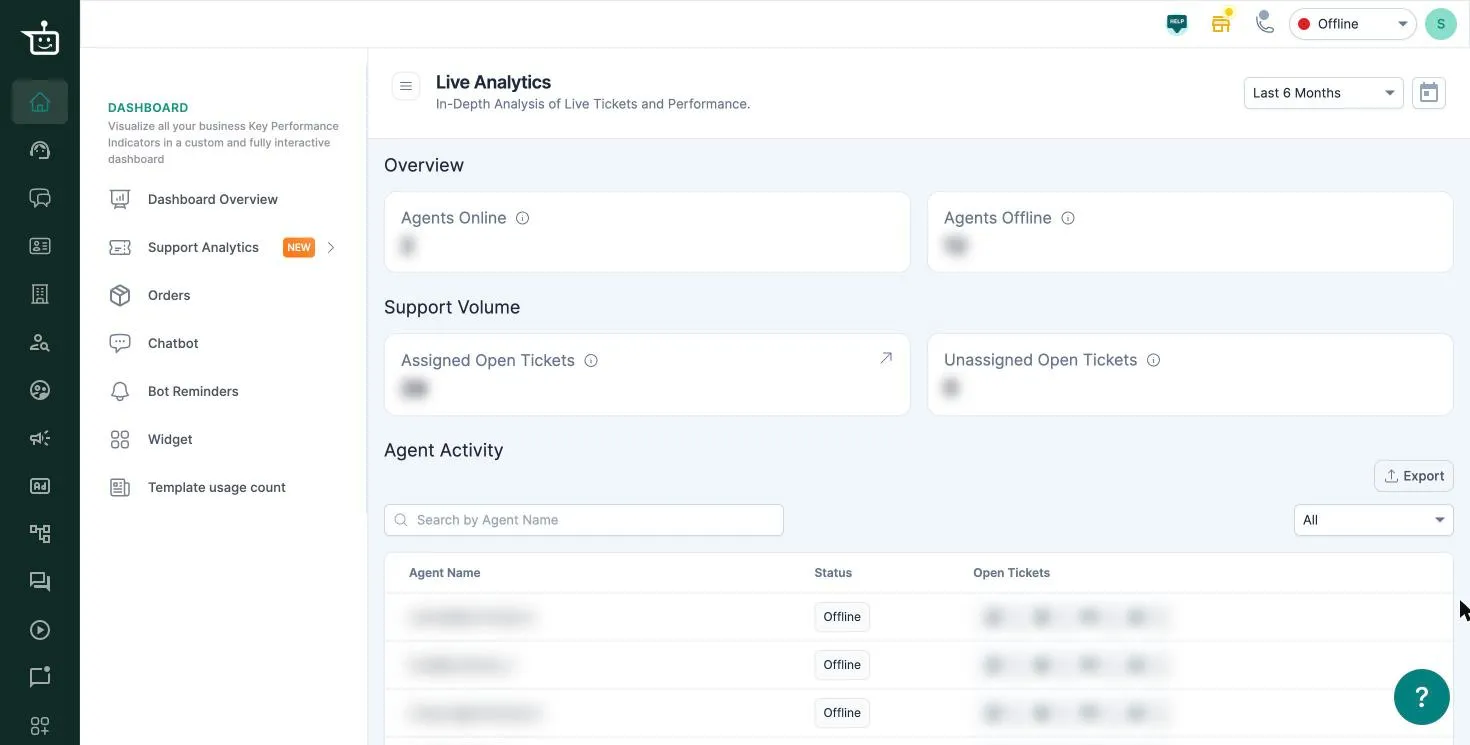
The numbers always show the current moment. The date range at the top doesn’t change them. Reload the page to refresh.
Overview
Section titled “Overview”- Agents Online / Agents Offline: how many of your team are set to online or offline right now. Agents set their status from the menu at the top right of the dashboard.
Support Volume
Section titled “Support Volume”- Assigned Open Tickets: open tickets that have an agent.
- Unassigned Open Tickets: open tickets waiting for an agent. If this keeps growing, check auto routing or assign them from the Support Inbox.
Agent Activity
Section titled “Agent Activity”A row per agent with their status and open tickets. Search by agent name to find someone quickly.
Click Export to download the table.
Related
Section titled “Related”Was this page helpful?
Thanks, this helps us improve this page.
Still stuck? Email support@businessonbot.com