

Campaign best practices
Best Practices in Campaigns, campaign tips, opt-out, unsubscribe, STOP, UTM, quality ratingFollow these practices to get more from your WhatsApp campaigns and keep your number in good standing with Meta.
1. Always send a test first
Section titled “1. Always send a test first”If a test number doesn’t receive the test message, don’t launch the campaign.
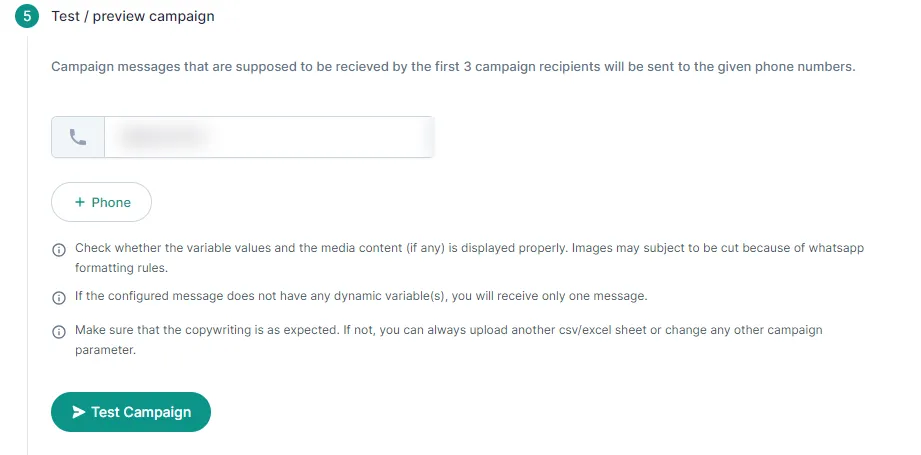
Quick fix: send “Hi” or “#” to your WhatsApp bot from the test number, then send the test again. To stop this from happening again, message your bot from your test number after every three test messages. If the test still fails, contact support.
2. Give customers a way to opt out
Section titled “2. Give customers a way to opt out”You can add an Unsubscribe button to your template. Many brands prefer not to, worried it raises unsubscribes. The other option is to add “Type STOP to Unsubscribe” in the template footer, so customers can opt out by replying STOP.
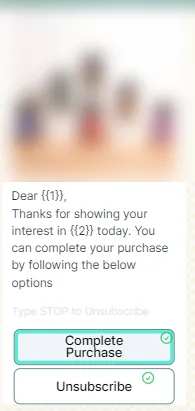
BusinessOnBot stores every number that unsubscribes. Even if you include those numbers in a campaign later, they don’t get the message.
3. Track links with UTM parameters
Section titled “3. Track links with UTM parameters”Add UTM parameters in the Link tracking step to see campaign clicks and visits in Google Analytics, bit.ly or any other UTM tool.
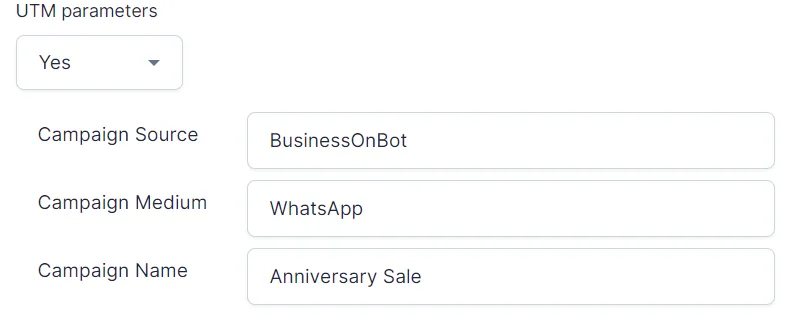
UTMs work only with templates that have a dynamic website (call-to-action) button.
4. Send only to customers who opted in
Section titled “4. Send only to customers who opted in”Launch campaigns only to customers whose numbers you collected yourself, with their consent. This is the best way to protect your number’s quality rating. Brands that sent campaigns to bought or scraped lists have had their Meta Business account banned or their WhatsApp number blocked.
5. Follow WhatsApp’s policies
Section titled “5. Follow WhatsApp’s policies”Campaigns that break WhatsApp’s Business Policy can fail and lower your account’s quality rating.
6. Use rich media
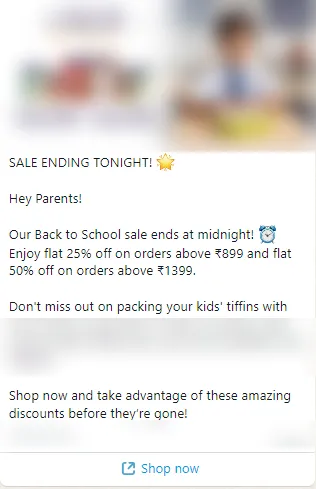
Section titled “6. Use rich media”Images, videos and documents make messages more engaging.
-
Image header: show the offer or product at a glance.
-
Video header: many apparel brands show products in a short video, so customers can picture them better.
-
Document header: send a document with the message.
7. Decide how replies are handled
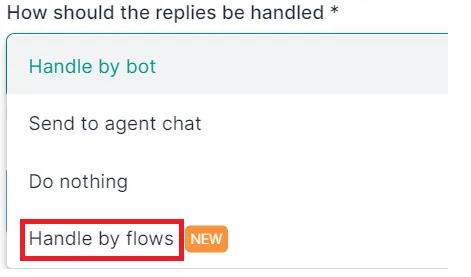
Section titled “7. Decide how replies are handled”For interactive campaigns, choose Handle by flows in the first campaign step. The customer’s reply then starts a campaign flow you built in advance.
To build the flow, see Types of flows and Overview of flows.
Related
Section titled “Related”Was this page helpful?
Thanks, this helps us improve this page.
Still stuck? Email support@businessonbot.com