

Track bot reminder performance
Bot Reminders, Bot Reminders analytics, reminder analytics, reminder metricsThe Bot Reminders tab on the dashboard shows how well your bot reminders work. Use it to measure engagement, find reminders that need improving, and get more customers to reply and buy.
See your reminder results
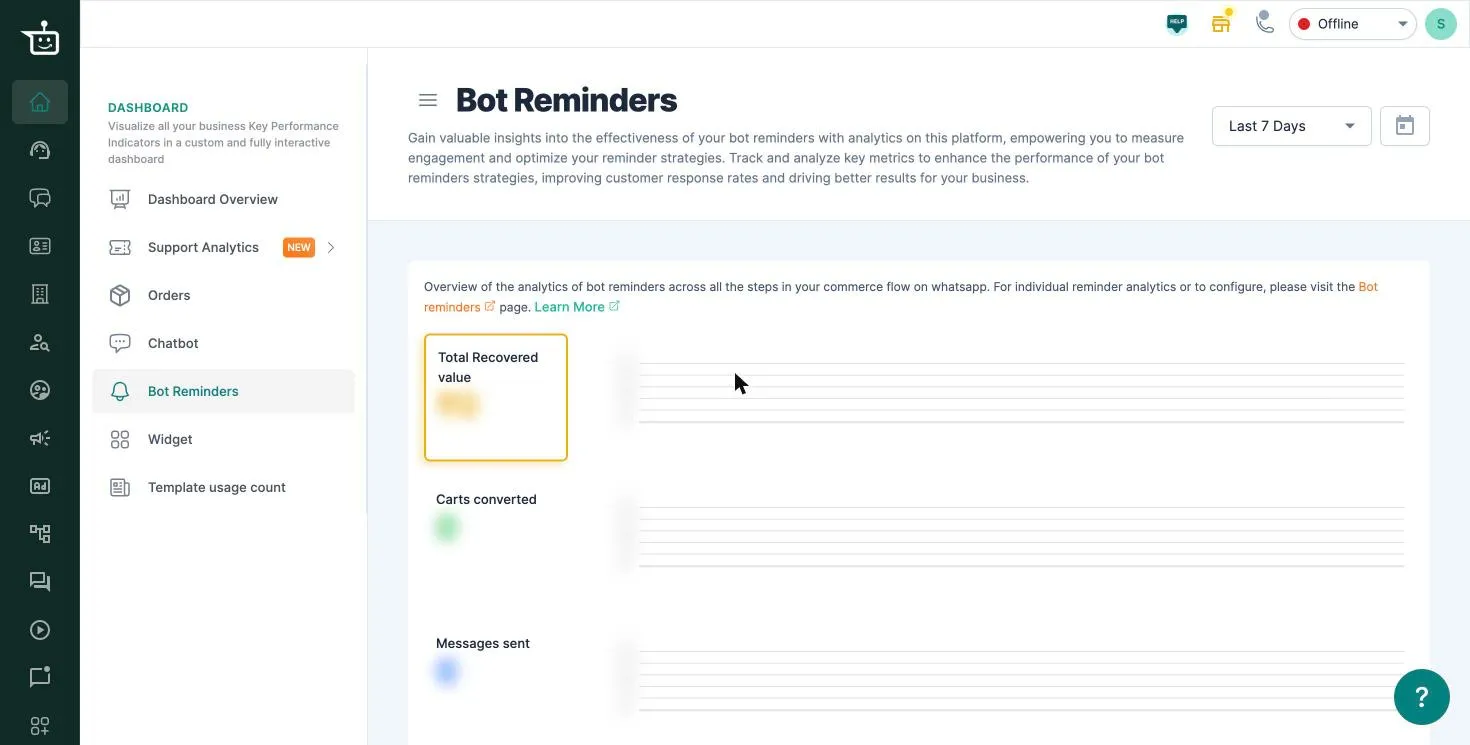
Section titled “See your reminder results”- Go to Dashboard → Bot Reminders.
- Pick a date range (Last 7 Days by default), or click the calendar for a custom range.
The page adds up all your bot reminders across every step of the WhatsApp purchase flow:
| Metric | What it shows |
|---|---|
| Total Recovered value | Value of the orders that came from bot reminders |
| Carts converted | Bot carts that became orders after a reminder |
| Messages sent | Reminder messages sent |
Each metric has a chart next to it, so you can see how it changed over the range.
To see results for one reminder (cart, checkout, address or payment), or to change a reminder, go to the reminder’s own settings. See Set up bot reminders for abandoned bot carts.
Watch the walkthrough
Section titled “Watch the walkthrough”Related
Section titled “Related”Was this page helpful?
Thanks, this helps us improve this page.
Still stuck? Email support@businessonbot.com