

Reply to customers on WhatsApp, Instagram and email
Responding to Tickets, reply to customer, quick responses, list messages, attachments, send videoAgents reply to customers on WhatsApp, Instagram and email from the Support Inbox. The message box changes to match what each channel allows.
Send a reply
Section titled “Send a reply”-
Open the ticket in the Support Inbox.
-
Click the message box (Type your message here), type your reply and send it.
Send a quick response
Section titled “Send a quick response”Quick responses are saved replies for common questions, such as shipping times or your return policy.
-
Click the quick responses button in the message box.
-
Choose the response from the dropdown.
-
If the response has variables, fill in each value.
-
Click Send.
To create quick responses and list messages, see Set up quick responses, list messages and tags.
WhatsApp is built for fast, real-time chat, and the message box includes shopping tools.


| Tool | What it does |
|---|---|
| Text reply | Free text, with bold, italic and underline through keyboard shortcuts. |
| Quick Responses | Saved replies for common questions. |
| Emojis | Emoji picker. |
| Image upload | Drag and drop or upload screenshots, documents and so on. They show inside the chat. |
| Video upload | Share videos, such as product demos or tutorials. |
| Document attachment | Upload files such as invoices or order summaries. Up to 20 MB in total. |
| List Messages | Send a menu of options the customer can pick from. |
| Template Messages | Needed when the customer is outside the 24-hour window. These are Meta-approved messages that restart the conversation. |
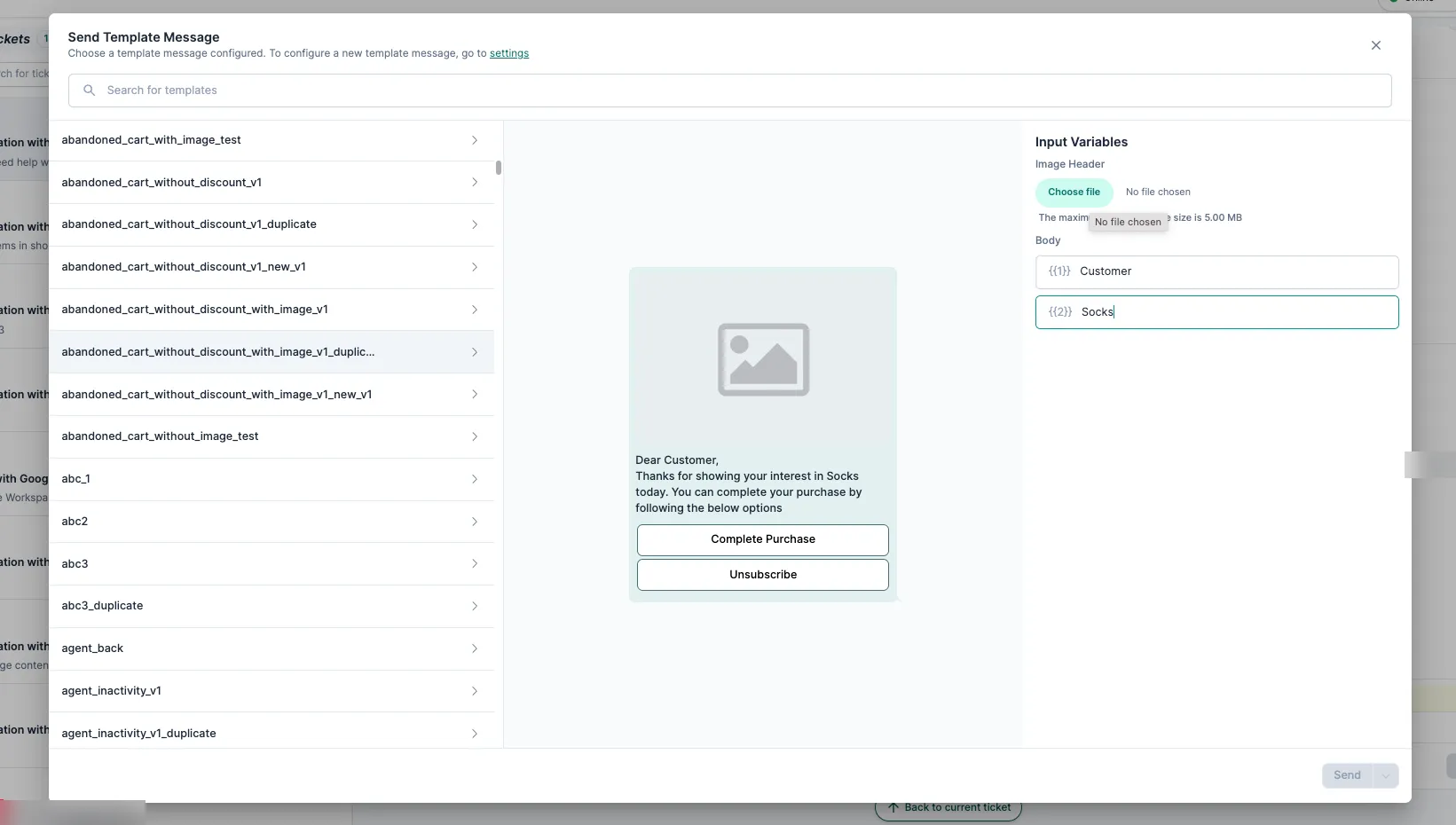
Rules:
- You can send free-text messages only within 24 hours of the customer’s last message. After that, use an approved template.
- The ticket must be Open or Pending to reply. You can’t reply to a Closed ticket.
Instagram support covers DMs and comments.
| Tool | What it does |
|---|---|
| Text reply | Free text, with bold, italic and underline. |
| Image upload | Send pictures such as product photos or offer banners. |
| Emojis | Emoji picker. |

Rules:
- You can reply only if the customer messaged you in the last 7 days. After that, the customer has to message you first.
- Some features, such as attachments, may not be available because of Instagram’s limits.
Email has the fullest editor, for detailed or formal replies.
| Tool | What it does |
|---|---|
| Rich text editor | Bold, italic, underline, bullets, colour and code blocks. |
| Inline images | Drag and drop images into the email body. |
| Attachments | Upload documents. Up to 20 MB in total. |
| Expanded view | Open a bigger editor for long replies. |
| Keyboard shortcuts | Ctrl/Cmd + B, I and U for bold, italic and underline. |
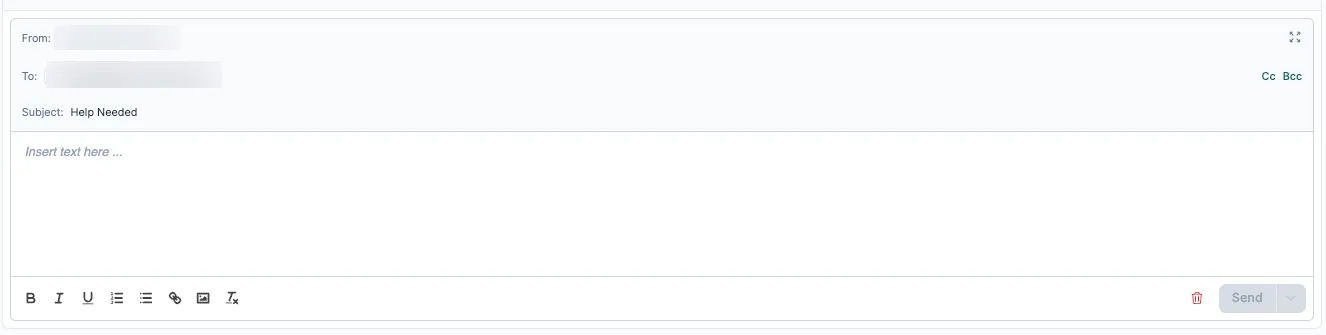
Rules:
- The To field is filled in for you and can’t be edited.
- To reply to a Resolved or Closed ticket, reopen it first.
- Replies are sent from your brand’s email address, set up on the platform.
Interactive walkthrough
Section titled “Interactive walkthrough”Related
Section titled “Related”Was this page helpful?
Thanks, this helps us improve this page.
Still stuck? Email support@businessonbot.com