

Agents analytics reports
Support Analytics, Reports, ticket report, export tickets, agent report, performance reportsAgents analytics reports lists every ticket with its full history, so you can audit your support team or build your own reports in a spreadsheet.
To open it, go to Dashboard → Support Analytics → Reports.
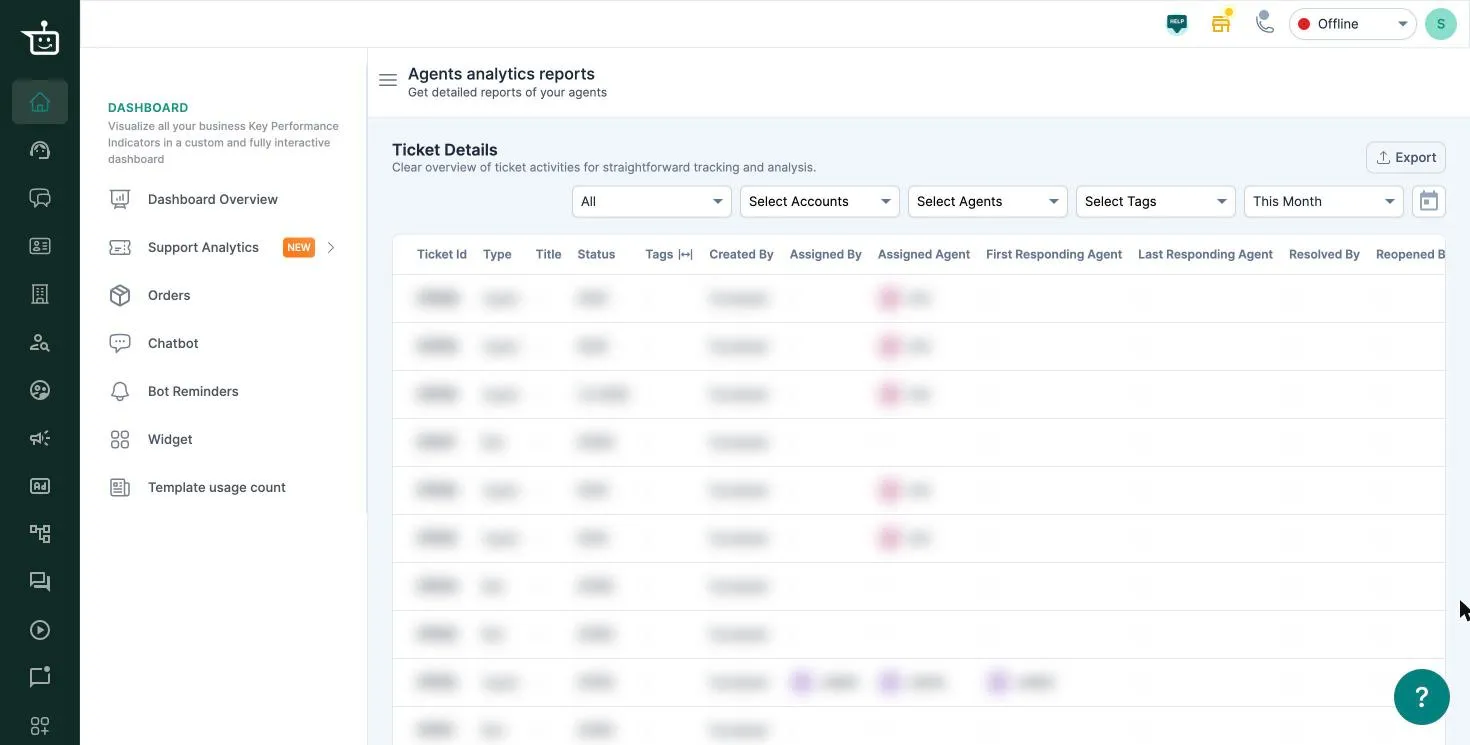
Filters
Section titled “Filters”| Filter | What it does |
|---|---|
| All | Show all tickets, or only those handled by agents or by the bot right now |
| Select Accounts | Limit to tickets from one account |
| Select Agents | Limit to tickets handled by an agent |
| Select Tags | Limit to tickets with a tag |
| Date range | Tickets created in this range. This Month by default |
For reliable results, pick one account, agent or tag at a time.
What’s in the table
Section titled “What’s in the table”Each row is one ticket. Scroll sideways for all the columns, including:
- Ticket Id, Type (agent or bot), Title, Status, Tags
- Created By, Assigned By, Assigned Agent
- First Responding Agent, Last Responding Agent
- Resolved By, Reopened By, Closed By and their times
- First and last response times, channel and message counts
Export
Section titled “Export”Click Export to download every ticket that matches your filters, not just the page you’re viewing.
Related
Section titled “Related”Was this page helpful?
Thanks, this helps us improve this page.
Still stuck? Email support@businessonbot.com