

Create Instagram flows
Instagram Flows, Instagram DM flow, flow builder Instagram, comment flows, general flowWhen you finish, you have an automated conversation in Instagram DMs that guides customers with messages, media and buttons.
Building a flow for Instagram works like building one for WhatsApp, with two differences:
- No list messages. Instagram doesn’t support list-based interactive messages. Use buttons instead.
- No documents. You can send images and videos, but not documents.
Types of Instagram flows
Section titled “Types of Instagram flows”| Flow type | What starts it | Where you connect it |
|---|---|---|
| General Flows | A trigger phrase the customer types in your DMs | Add the trigger phrase in the flow itself |
| Ice Breakers | The customer taps an ice breaker when they first message you | Ice Breakers settings |
| Comment Flows | The customer comments on your post, reel, ad post or story | Private Reply Automation settings |
Create a flow
Section titled “Create a flow”-
In the flow builder, click Create Flow.
-
Choose Instagram as the platform.
-
Choose the flow type: General Flows, Ice Breakers or Comment Flows. Click Continue.
-
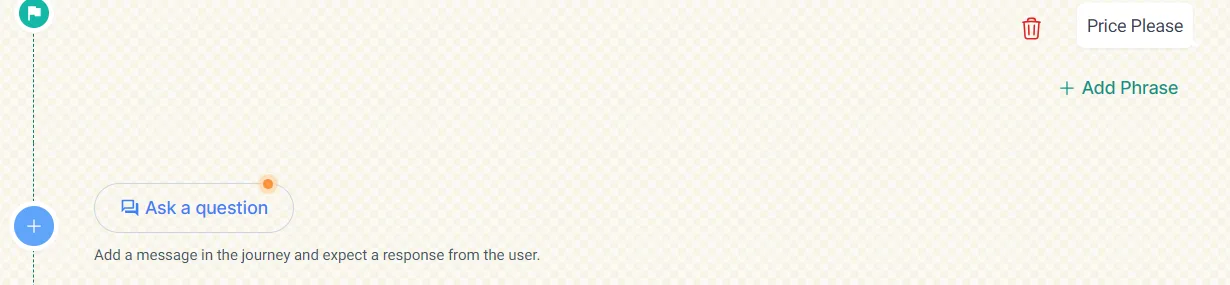
For a general flow, add the trigger phrase. Ice breaker and comment flows don’t need one.
-
Add your messages. Choose a message type:
- Simple Message: plain text, no buttons.
- Media Message: an image or video.
- Button Interactive Message: up to three buttons. You can build a separate journey for each button.
-
For each button, choose its type:
- URL: opens an external page, such as a product page on your website. Add the link.
- Postback: continues the conversation in the DM. It works like a quick reply button on WhatsApp.
-
Deploy the flow.
For an ice breaker or comment flow, select it in the Ice Breakers or Private Reply Automation settings once it’s created.
Plan a good flow
Section titled “Plan a good flow”- Map the journey. List the steps you want customers to take and where the flow should lead them.
- Write short messages with buttons. You can’t use list messages, so keep each choice to three buttons or fewer.
- Use visuals. Images and videos work well in DMs. Link to a web page for anything that would normally be a document.
Related
Section titled “Related”Was this page helpful?
Thanks, this helps us improve this page.
Still stuck? Email support@businessonbot.com