

Get a better return from WhatsApp campaigns
Unlock 5x RoAS with Proven Campaign Strategies, Campaigns using Standard template, ROAS, RoAS, broadcast, campaign best practicesGoal: get more sales for every rupee you spend on WhatsApp campaigns (return on ad spend, ROAS) by sending relevant messages to the right customers, and avoiding messages that feel like spam.
Who it’s for
Section titled “Who it’s for”Brands that send WhatsApp campaigns with standard templates and want to improve their conversion.
The recipe
Section titled “The recipe”1. Personalise and segment
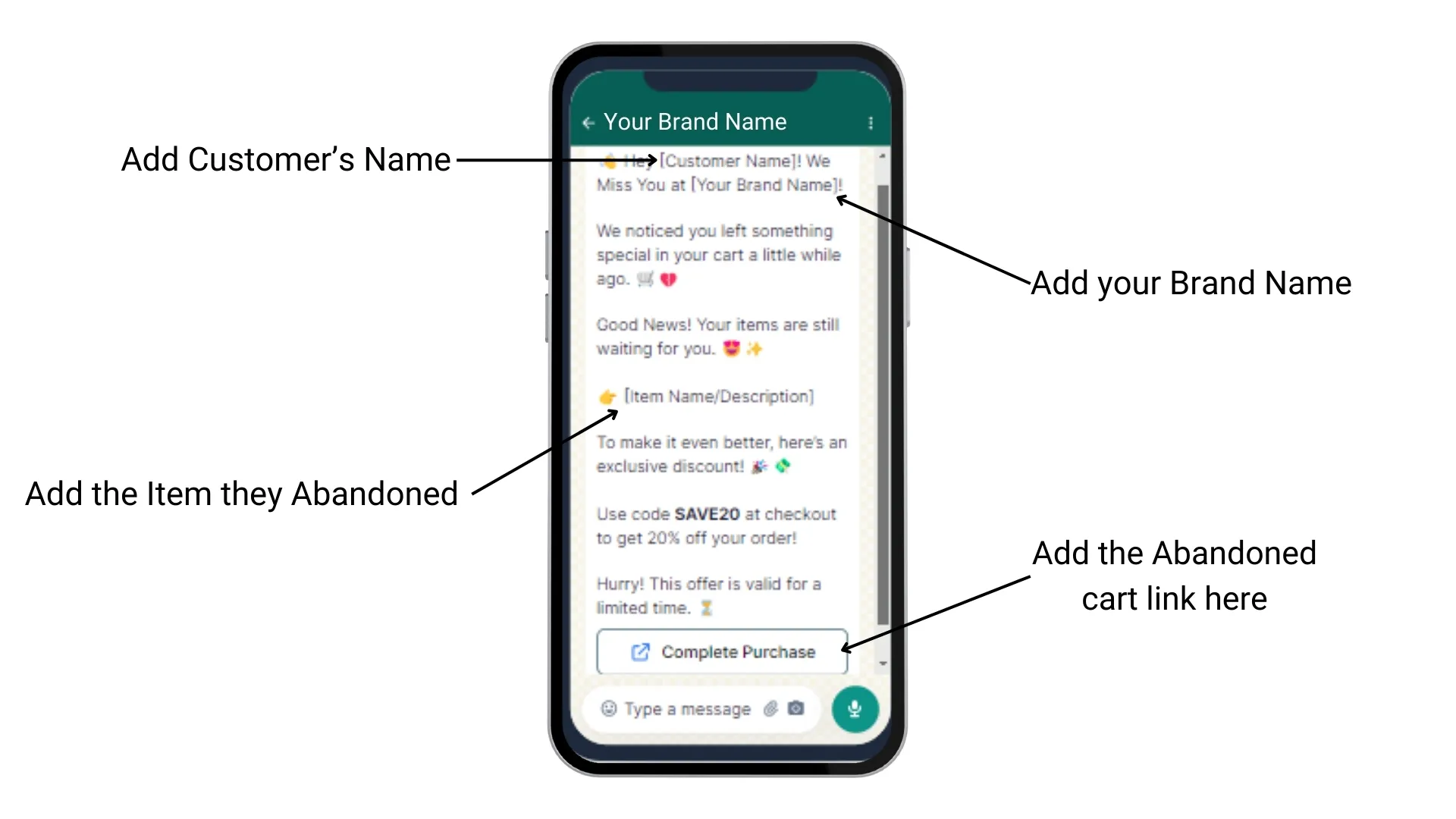
Section titled “1. Personalise and segment”- Write messages based on customer data, such as purchase history and browsing behaviour.
- Use segments to send each group of customers a message that is relevant to them.
2. Handle replies with a flow
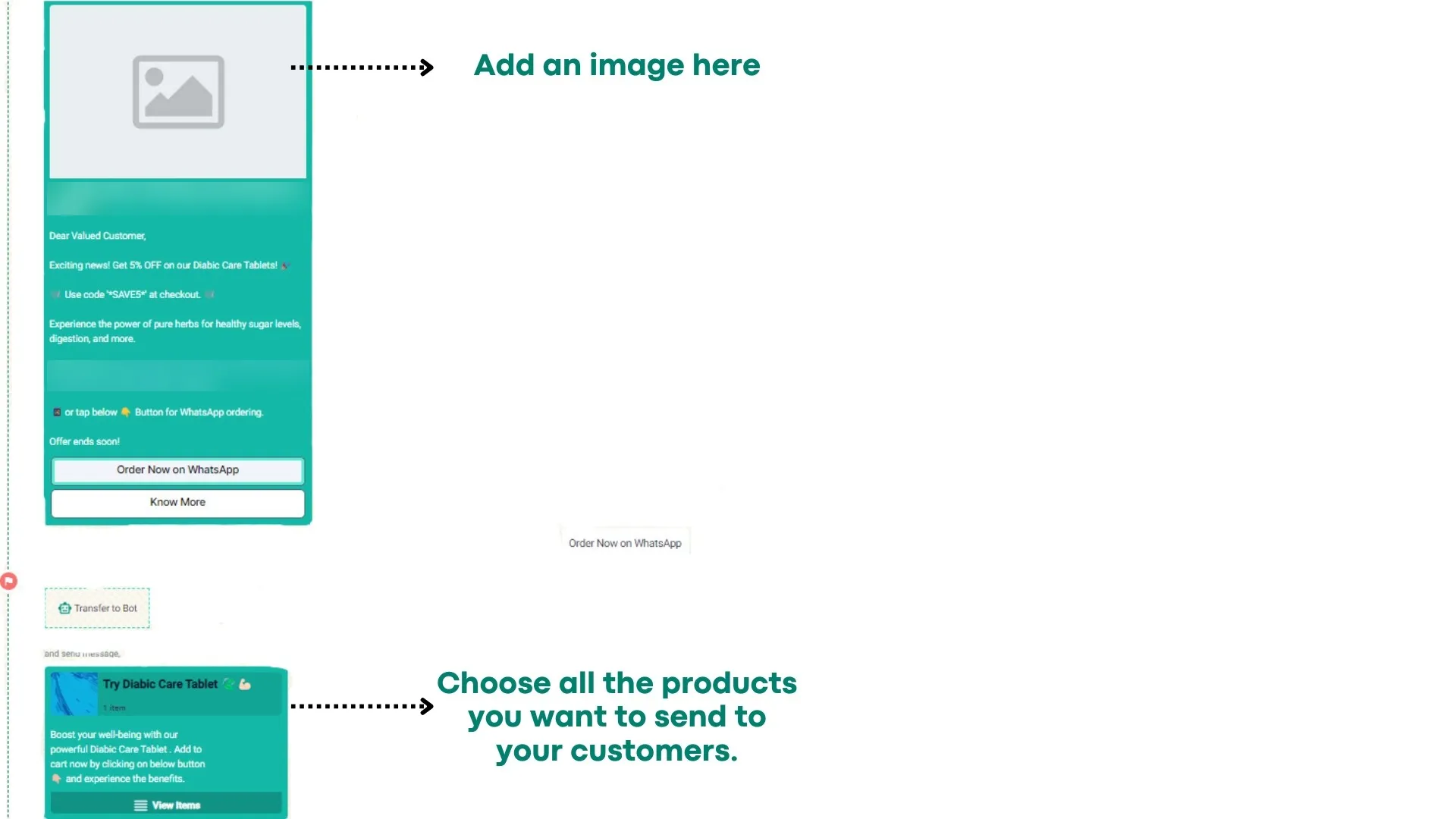
Section titled “2. Handle replies with a flow”- Connect the campaign to a flow that answers common questions instantly. This keeps customers happy and frees up your team for complex chats.
- Keep automated messages conversational.
3. Use rich media
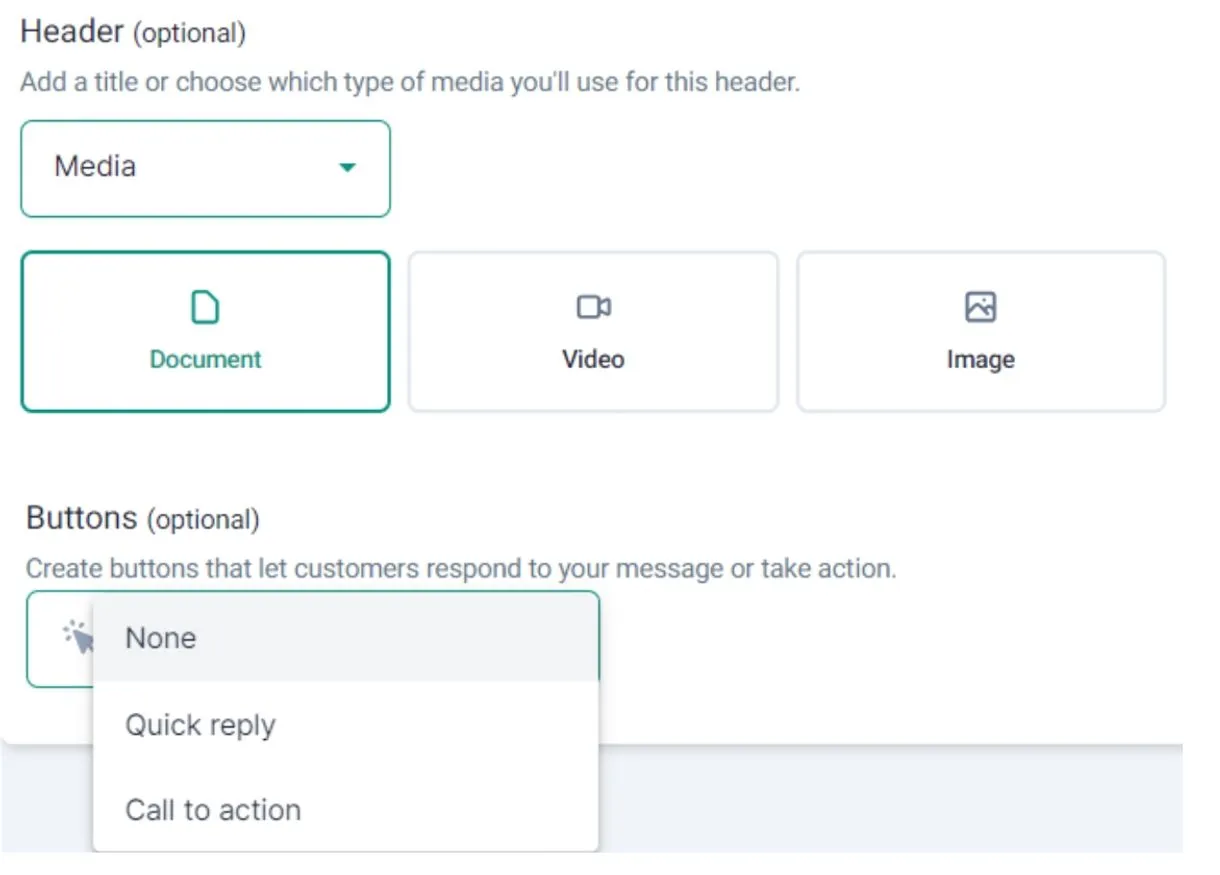
Section titled “3. Use rich media”- Add images, videos and interactive buttons to make messages more engaging.
- Share product demos, how-to videos and customer testimonials to build trust.
4. Make offers exclusive and urgent
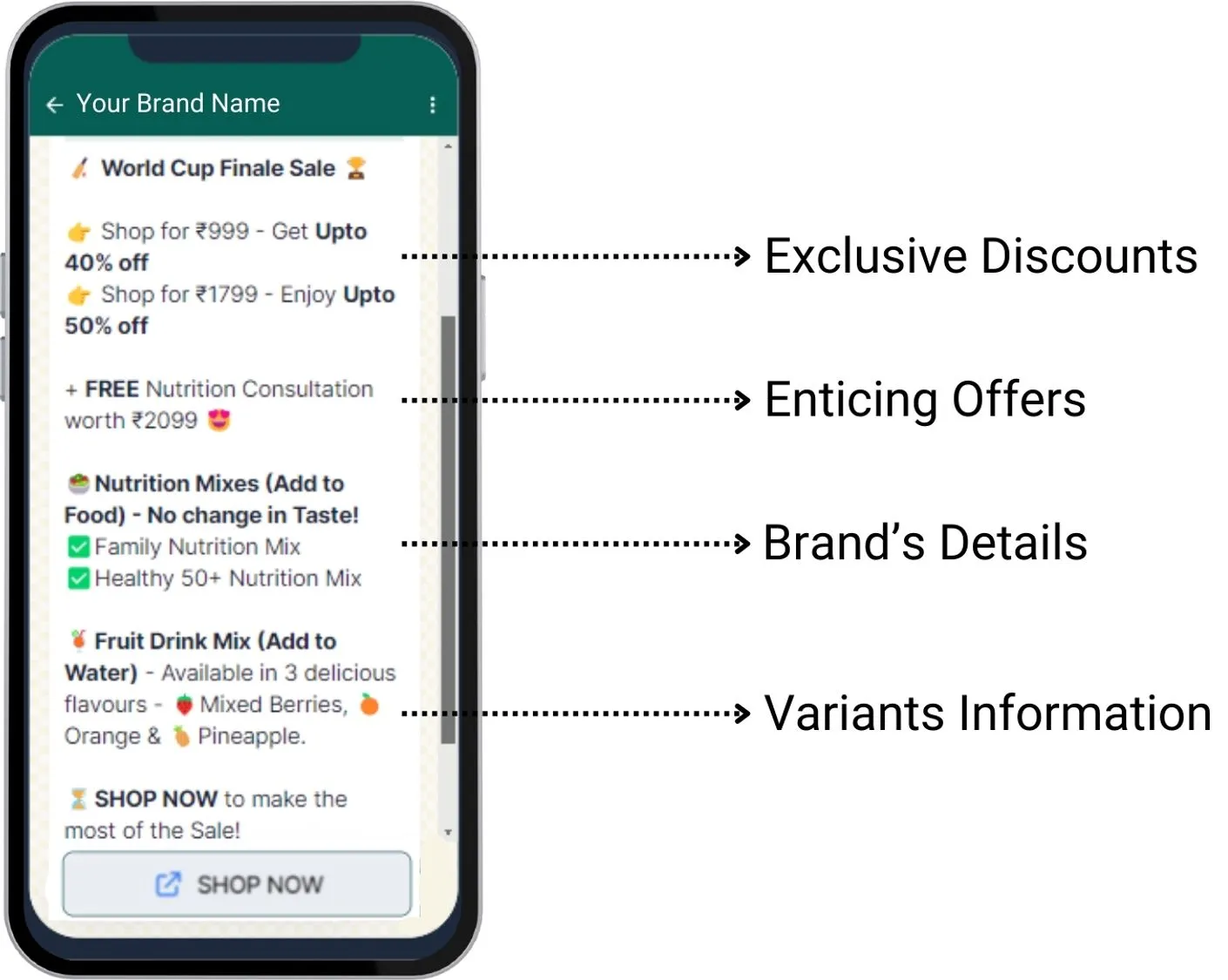
Section titled “4. Make offers exclusive and urgent”- Give WhatsApp subscribers exclusive discounts and promotions.
- Create urgency with limited-time offers and flash sales.
5. Time it right and keep it short
Section titled “5. Time it right and keep it short”- Day: brands that send campaigns between Thursday and Sunday see the best results, because customers are more available.
- Time: brands that send after 6 pm, or between 2 and 4 pm, see better conversion. Midnight sales work well with limited-time offers.
- Length: most customers read WhatsApp on a phone. Keep messages between 270 and 440 characters.
- Audience: send each message to the group it is relevant to. Fewer, better-targeted messages cost less and return more.
What brands have seen
Section titled “What brands have seen”Results from BusinessOnBot brands using these strategies:
| Average ROAS | Average conversion | Average sales generated |
|---|---|---|
| 9.83 | 7.04% | 1.16 lakh |
Set it up: segment, flow and campaign
Section titled “Set it up: segment, flow and campaign”- In your BusinessOnBot dashboard, open the Flow Builder panel.
- Create a new flow with the Campaign type and click Continue.
- Select the template you want to send as the first message, connect the products so customers can buy on WhatsApp, and deploy the flow.
- Go to User Segmentation and create a new segment. Give it a name and a description, then click Add Rule.
- Choose who to target, for example all customers who abandoned a cart for a specific product and did not convert. Click Save Rule.
- Check the number of users in the segment and click Create Segment.
- Click Run Campaign for the segment you just created.
- Click Handle by flows, and choose the flow you created with your template.
- If the template has an image header, upload your image. Choose your settings and click Next.
- Your segment is pre-selected. Click Validate to confirm the campaign list.
- Add your phone number and click Test Campaign. You get the message on WhatsApp so you can test the flow before customers do.
- Launch the campaign now, or schedule it for later.
Related
Section titled “Related”- Launch a campaign (user segmentation)
- How to create a segment
- Best practices in campaigns
- Standard templates
- Ready-to-use WhatsApp campaign ideas
- Campaigns: common questions (including media size limits and how many customers you can reach)
Was this page helpful?
Thanks, this helps us improve this page.
Still stuck? Email support@businessonbot.com