

Acquire customers through Click-to-WhatsApp ads
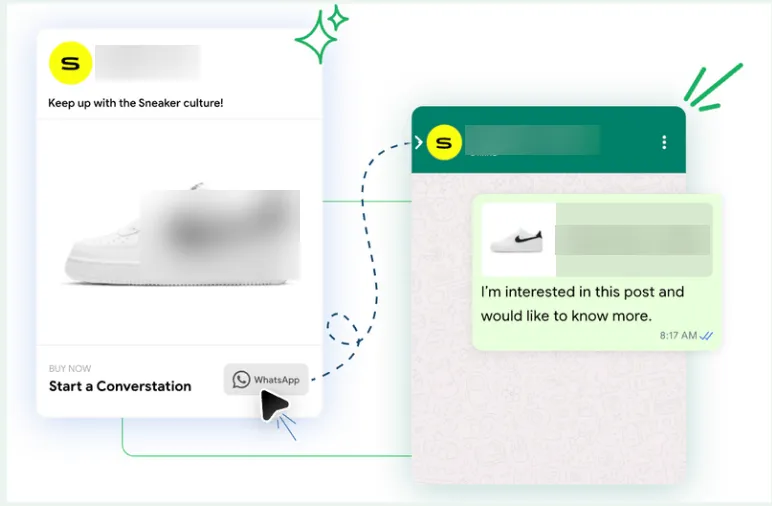
Acquire users through Meta Ads, CTWA, Click to WhatsApp ads, Meta ads, Facebook ads, Instagram ads, 72-hour windowGoal: turn people who click your Meta ads into WhatsApp leads and customers, with a journey that matches the ad and free follow-ups in the 72-hour window.
Who it’s for
Section titled “Who it’s for”Brands running, or planning to run, Meta (Facebook and Instagram) ads, with the WhatsApp Business API number they use on BusinessOnBot.
With Click-to-WhatsApp (CTWA) ads you can:
- Build a customer database: capture customer details as they engage with your ads and use them to target future campaigns.
- Personalise the buying journey: show products that match the ad, so shoppers see what they came for.
- Answer product questions instantly, so interested shoppers don’t drop off.
- Nurture leads to a purchase, from first click to order.
The recipe
Section titled “The recipe”1. Configure the ad in Meta Ads Manager
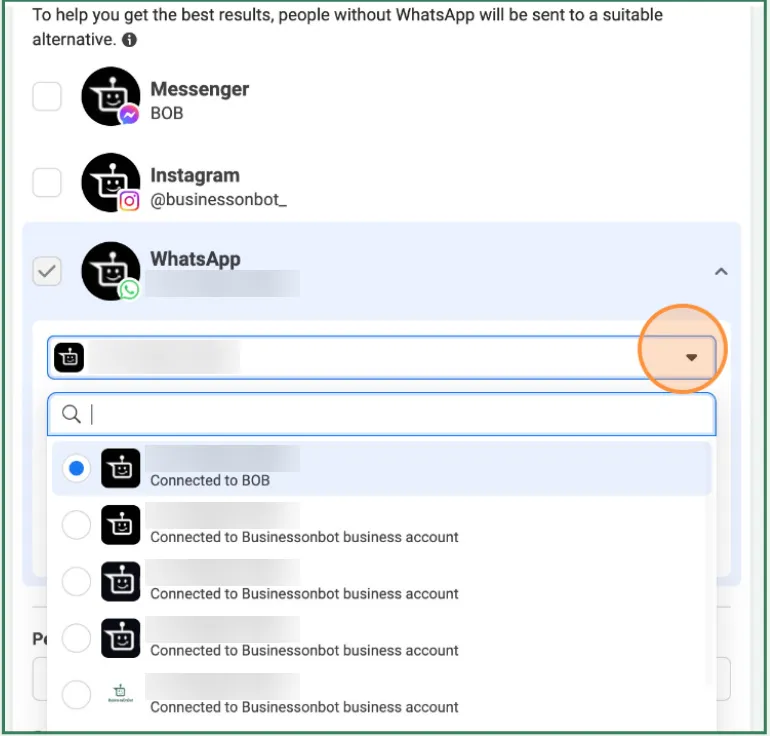
Section titled “1. Configure the ad in Meta Ads Manager”Create your campaign and ad as usual, making sure you pick the right conversion location.
- Connect your WhatsApp Business API number to your Meta Business Manager account.
- Select the campaign objective Sales.
- Choose the conversion location Messaging apps.
- Tick the WhatsApp API number.
- Select your audience and publish.
2. Build the journey in Flow Builder
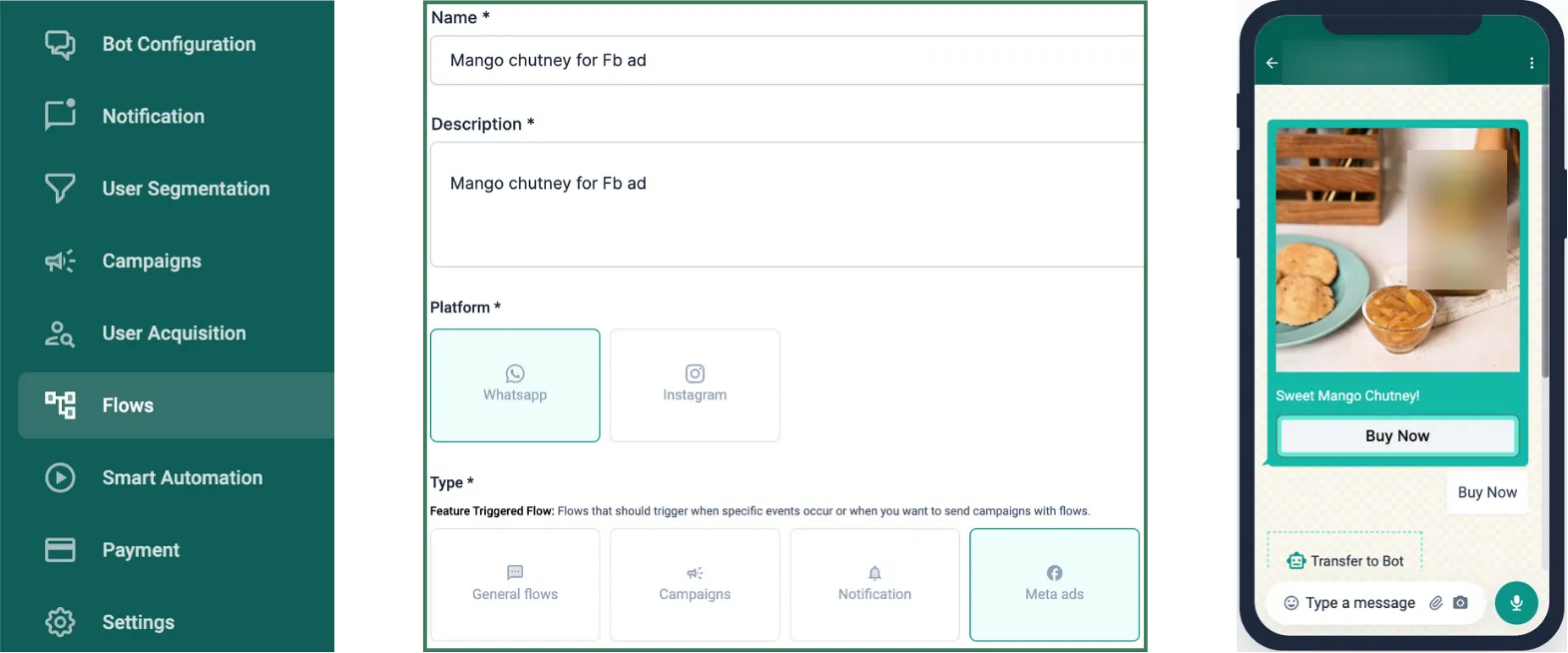
Section titled “2. Build the journey in Flow Builder”- Go to Flow Builder.
- Choose Meta Ads as the trigger event.
- Build a flow with relevant replies, and show the products from your catalogue that match the ad campaign.
3. Connect the ad to the journey
Section titled “3. Connect the ad to the journey”- Go to the user acquisition panel and select Meta Ads.
- Copy the ad ID from Meta Ads Manager and add it here.
- Select the flow you built in the previous step.
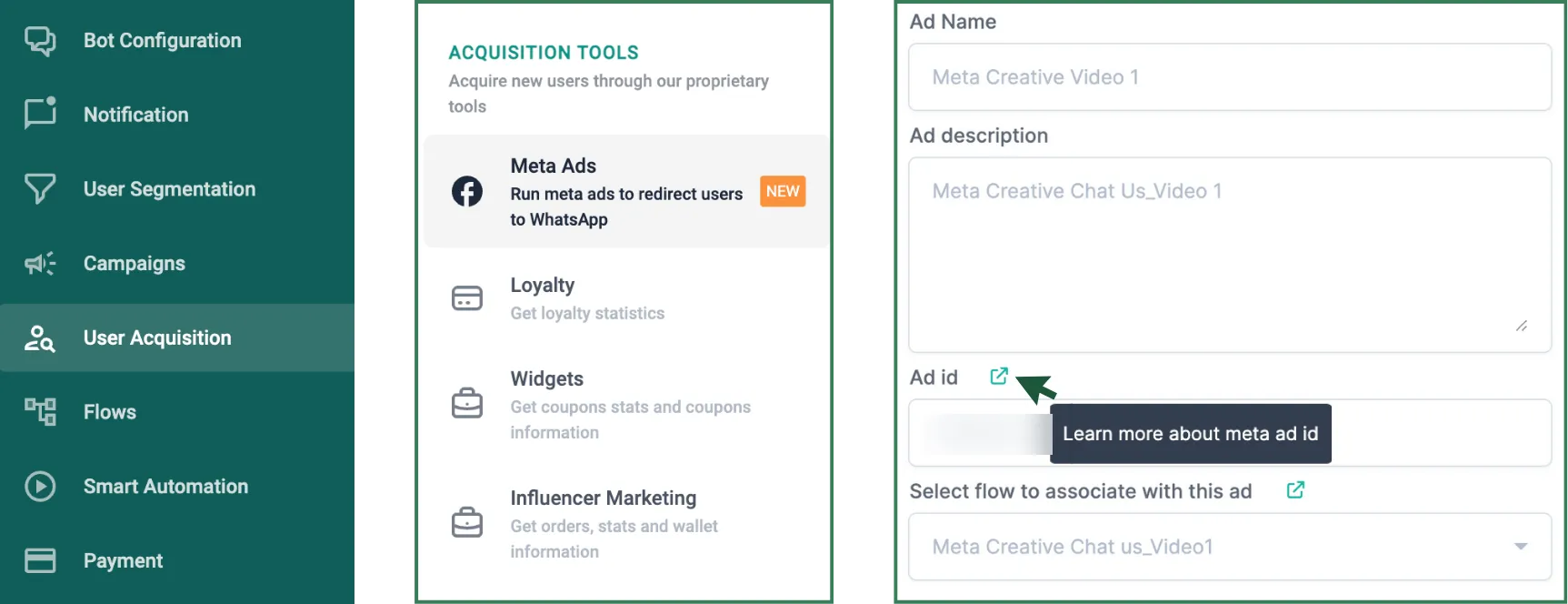
Full steps: How to link a Meta ad.
4. Follow up in the 72-hour free window
Section titled “4. Follow up in the 72-hour free window”Conversations that start from a CTWA ad get a 72-hour free window. Use it to follow up with leads at no messaging cost.
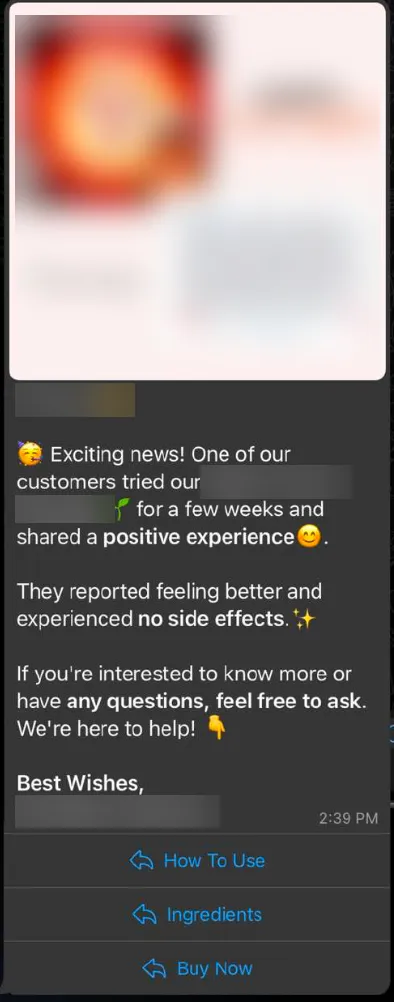
- In Smart Automation, set up WhatsApp messages that go out after a customer lands from the ad.
- Create a sense of urgency and recommend the products from the ad.
- Send up to 3 reminders within the 72-hour window.
- Track performance in the analytics, and use it to optimise your campaigns and return on ad spend (ROAS).
Full steps: Follow up with customers from Meta ads.
5. Retarget with campaigns
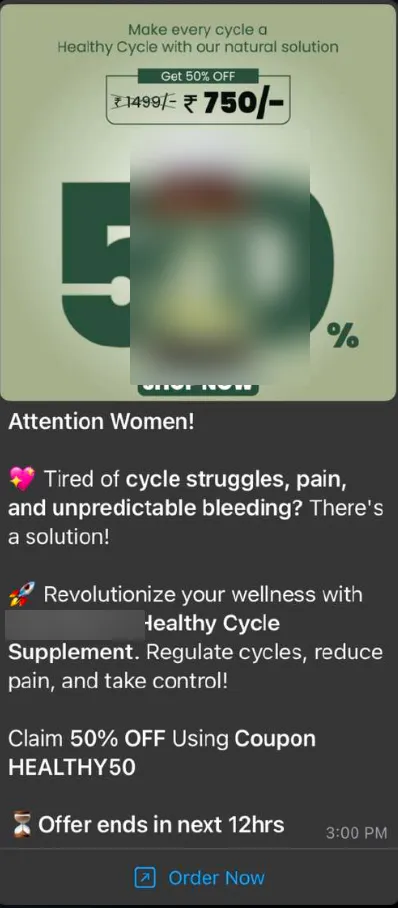
Section titled “5. Retarget with campaigns”- Segment users by how they interacted with the ad, focusing on those still inside the 72-hour window who have not bought.
- Send them a campaign to win extra conversions at no messaging cost.
See How to create a segment and Launch a campaign (user segmentation).
What brands have seen
Section titled “What brands have seen”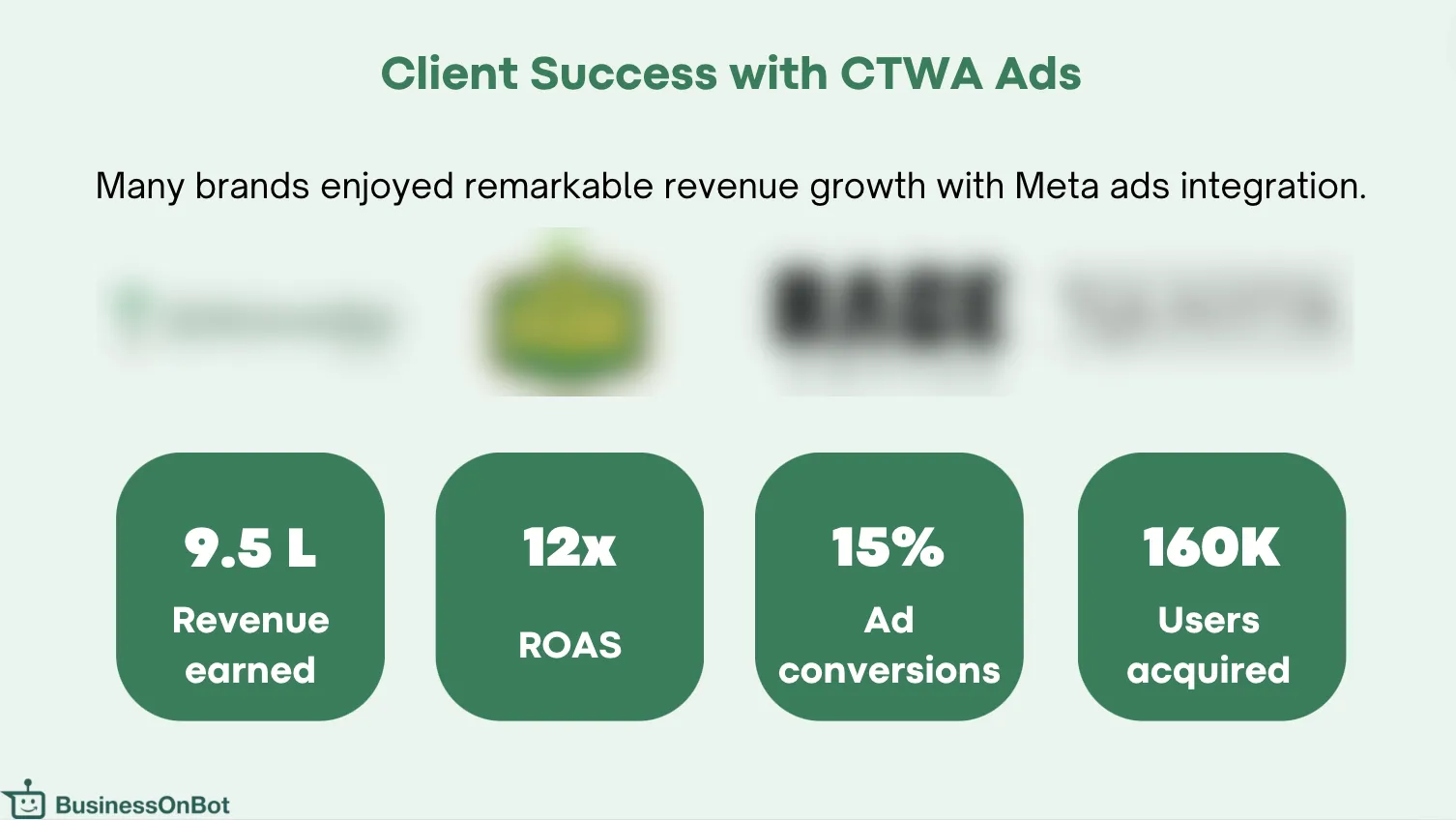
Related
Section titled “Related”Was this page helpful?
Thanks, this helps us improve this page.
Still stuck? Email support@businessonbot.com