

Get more from order confirmation messages
Optimize notifications - Order confirmation, order confirmation, order placed messageGoal: use the moment right after a purchase, when customers are most engaged with your brand, to drive referrals and the next order.
Who it’s for
Section titled “Who it’s for”Brands using the BusinessOnBot Order Confirmation notification. It goes out when an order is placed and acknowledges the customer’s order.
The recipe
Section titled “The recipe”1. Ask for a referral
Section titled “1. Ask for a referral”Add a button to the order confirmation message that lets customers refer your brand to friends and family. Customers are most likely to act while they are still engaging with your brand.
- Get a new template approved in the Utility category.
- Make the referral button a quick reply button.
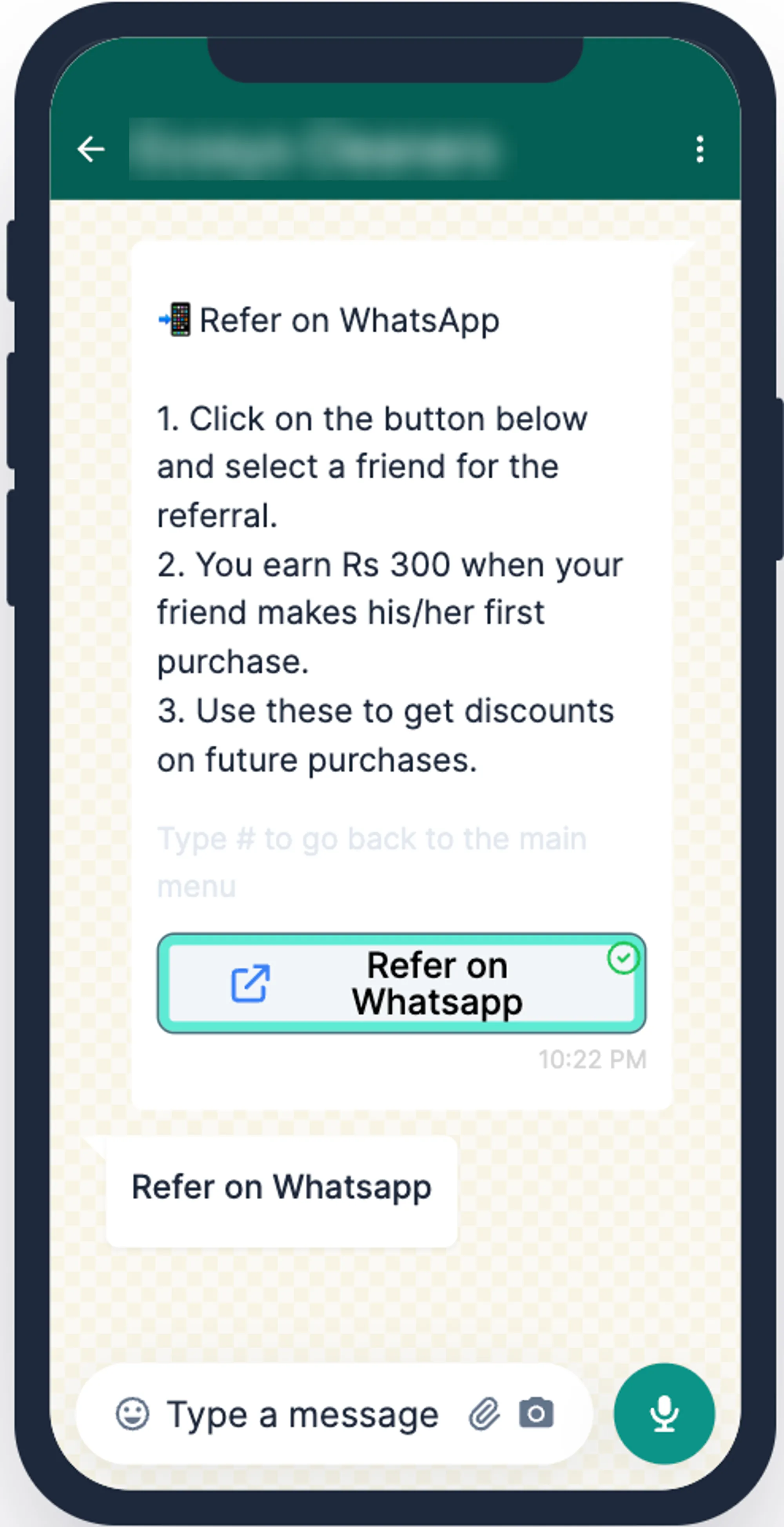
Set up the referral programme in Referral.
2. Show bestsellers and drive orders on WhatsApp
Section titled “2. Show bestsellers and drive orders on WhatsApp”Customers who just ordered already trust your brand, so this is a good moment to introduce your WhatsApp store.
- Show New Arrivals or Best Sellers directly on WhatsApp.
- Give a WhatsApp-only offer to nudge a repeat purchase.
3. Give a reason to come back
Section titled “3. Give a reason to come back”Send a coupon code for the next purchase.
- Keep the offer time-bound, so customers return sooner.
- Personalise the offer so it stays with the customer.
Set up the message in Set up order confirmation messages.
Related
Section titled “Related”Was this page helpful?
Thanks, this helps us improve this page.
Still stuck? Email support@businessonbot.com