

Re-target website visitors who leave without buying
Re-target your Website Visitors, Product Abandonment, browse abandonment, website drop-off, retargetingGoal: win back the website visitors who leave before checkout, not just the ones who abandon a cart at checkout.
Who it’s for
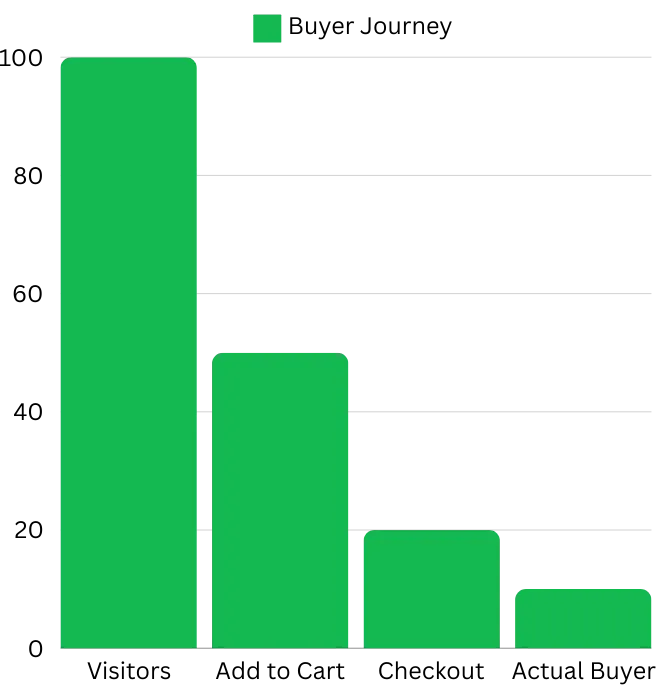
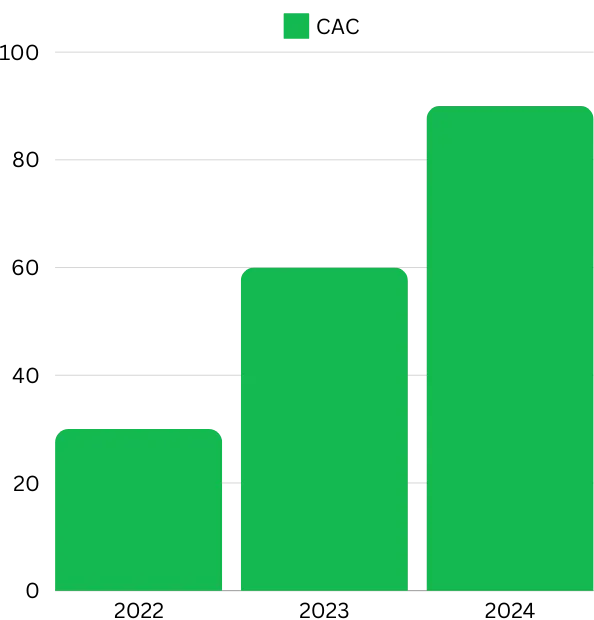
Section titled “Who it’s for”Shopify brands whose website traffic drops off well before checkout. Across D2C, only a small share of website visitors reach the checkout page, and customer acquisition costs keep rising, so every lost visitor is expensive.
The recipe: Product Abandonment
Section titled “The recipe: Product Abandonment”Product Abandonment re-targets people who visit your website or add items to their cart but don’t buy.
- Send each customer a personalised message based on where they dropped off.
- Target specific products within a time frame you choose.
How it works
Section titled “How it works”- A shopper browses your website.
- They look at a product.
- They leave from the home page, a product page or the cart page.
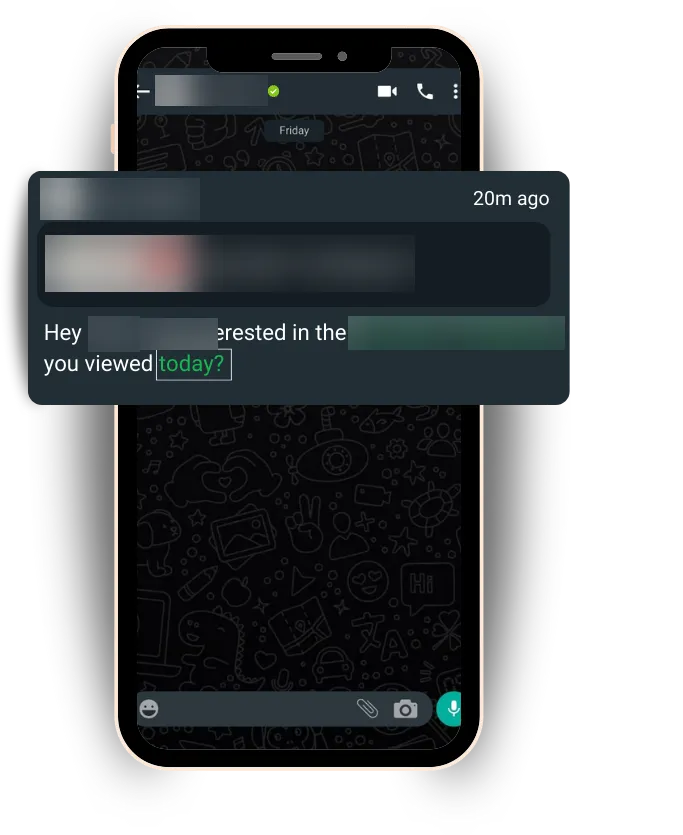
- Your automation sends them a personalised WhatsApp message to nudge them to buy.
Before you start
Section titled “Before you start”- Update the BusinessOnBot app in your Shopify account. If an update is needed, the dashboard shows Shopify Integration Update Needed with an Update now button.
- Turn on the customer details pop-up: go to Settings → Website Widget, open the Popup tab and turn on the toggle.
- In your Shopify theme’s App embeds, turn on Product Abandonment (BusinessOnBot).
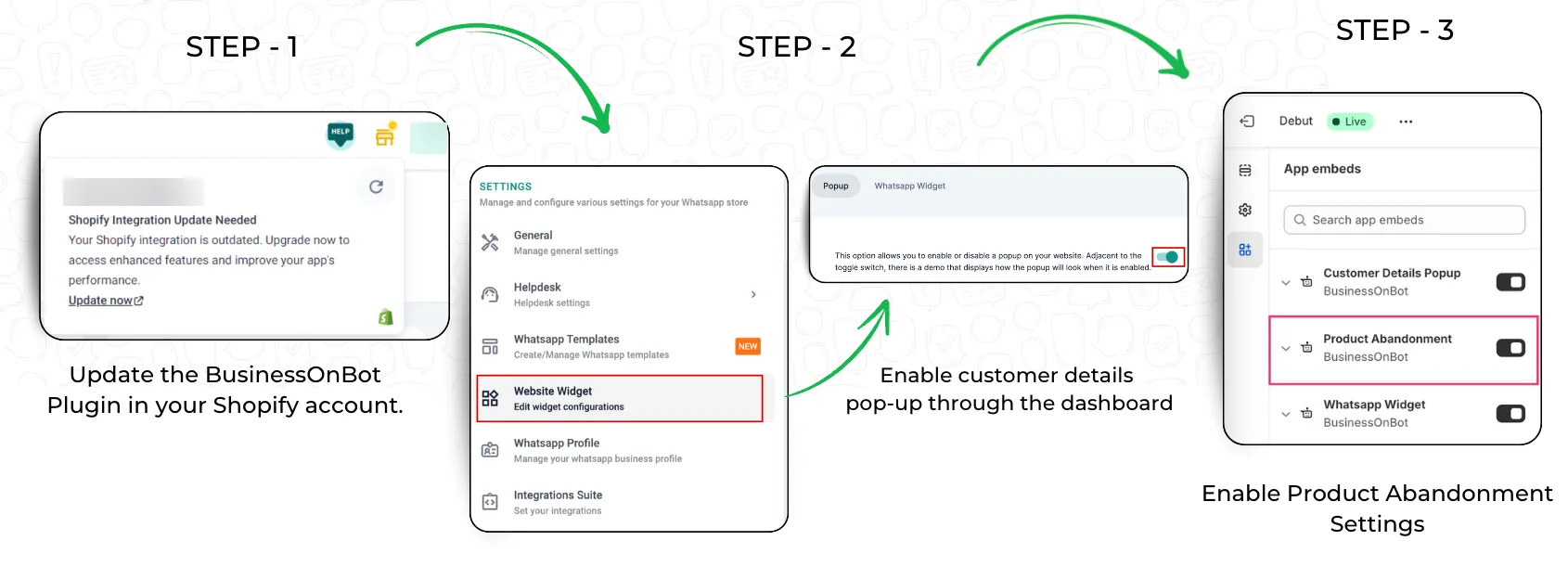
Then set up the automation in Product Abandonment.
Related
Section titled “Related”Was this page helpful?
Thanks, this helps us improve this page.
Still stuck? Email support@businessonbot.com