

Tickets now auto-assign to agents
Agent Chat Auto Routing System (ACARS), ACARS, Agent Chat, auto assignment, round robin, ticket routingThe Support Inbox can now assign new tickets to your agents automatically, so nobody has to route chats by hand. This update to the auto routing system (ACARS) shares tickets out evenly and keeps admins in control.
What changed
Section titled “What changed”- Round-robin assignment. New tickets go to available agents in turn, so each online agent gets an equal share and nobody is overloaded.
- Online and offline status. Agents receive new tickets only while they are online.
- During working hours, agents are set to online automatically when they log in. If they switch to offline, they get no new tickets until they go online again.
- Outside working hours, agents are offline by default, but can switch to online if they are available.
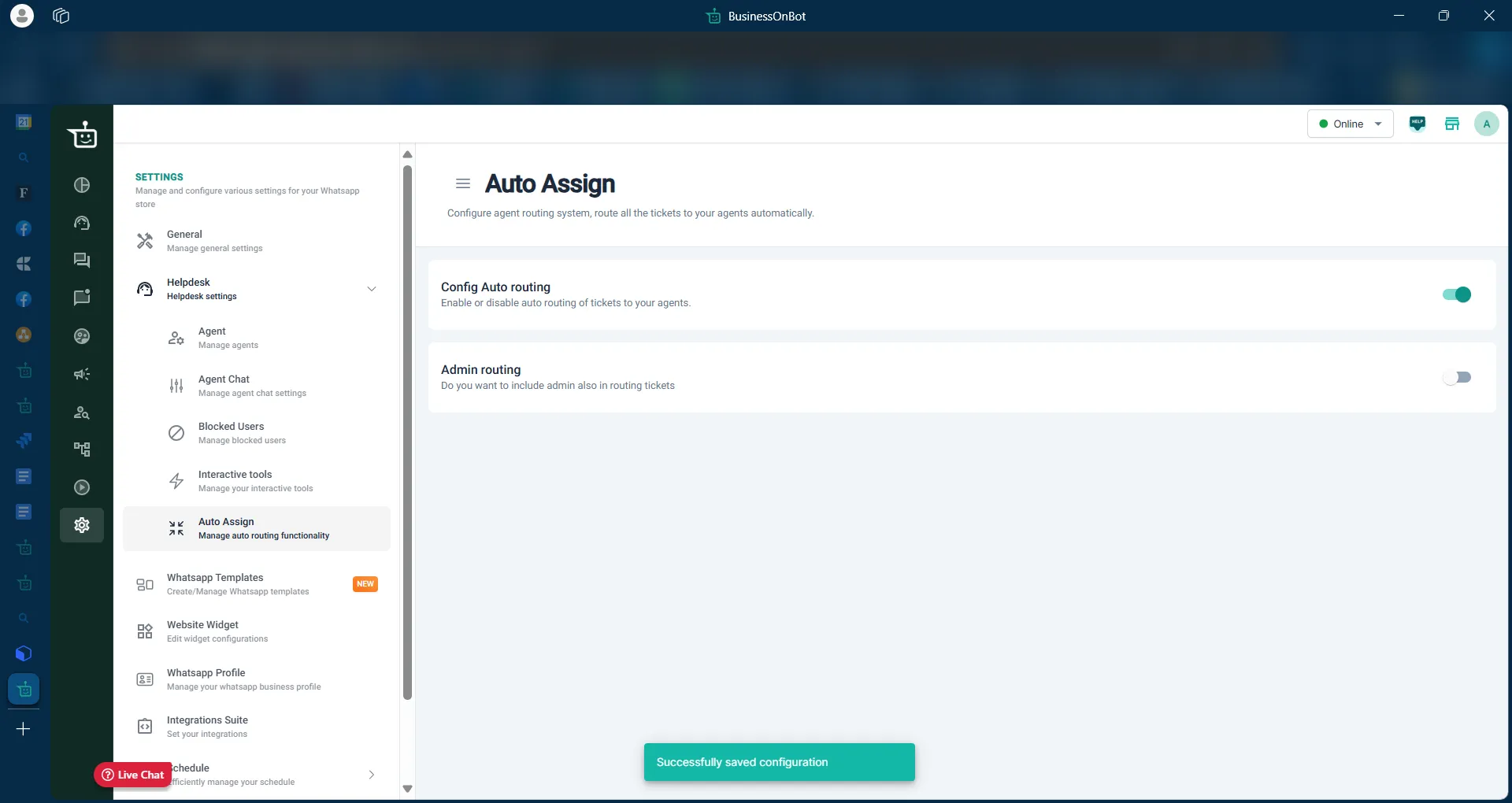
- Ticket limit. Each agent can hold up to 100 open tickets at a time by default. Once an agent reaches the limit, they get no new tickets. Admins can change the limit in settings.
- Admins in the rotation. Admins can be included in round-robin assignment by turning on Admin routing in settings.
- Queue window for admins. Admins can see and manage all unassigned tickets in real time.
- Assigned Tickets filter. In the live window, admins can filter to see every ticket assigned to agents and how they are progressing.
Why it helps
Section titled “Why it helps”- Tickets are assigned as soon as they arrive, so customers get replies faster.
- Workload stays balanced across the team.
- Admins no longer assign tickets by hand.
Set it up
Section titled “Set it up”See Auto routing for how to turn routing on and change its settings.
Related
Section titled “Related”Was this page helpful?
Thanks, this helps us improve this page.
Still stuck? Email support@businessonbot.com