

Shop from Instagram DMs with the Instagram Commerce Flow
Instagram Commerce Flow, Instagram Commerce, Instagram shopping, product carouselYou can now build a shopping experience inside Instagram Direct Messages: greet customers, let them browse product categories and show product carousels that link to your store. Set it all up from the dashboard, under Instagram Bot Configuration → Instagram Commerce.
What changed
Section titled “What changed”-
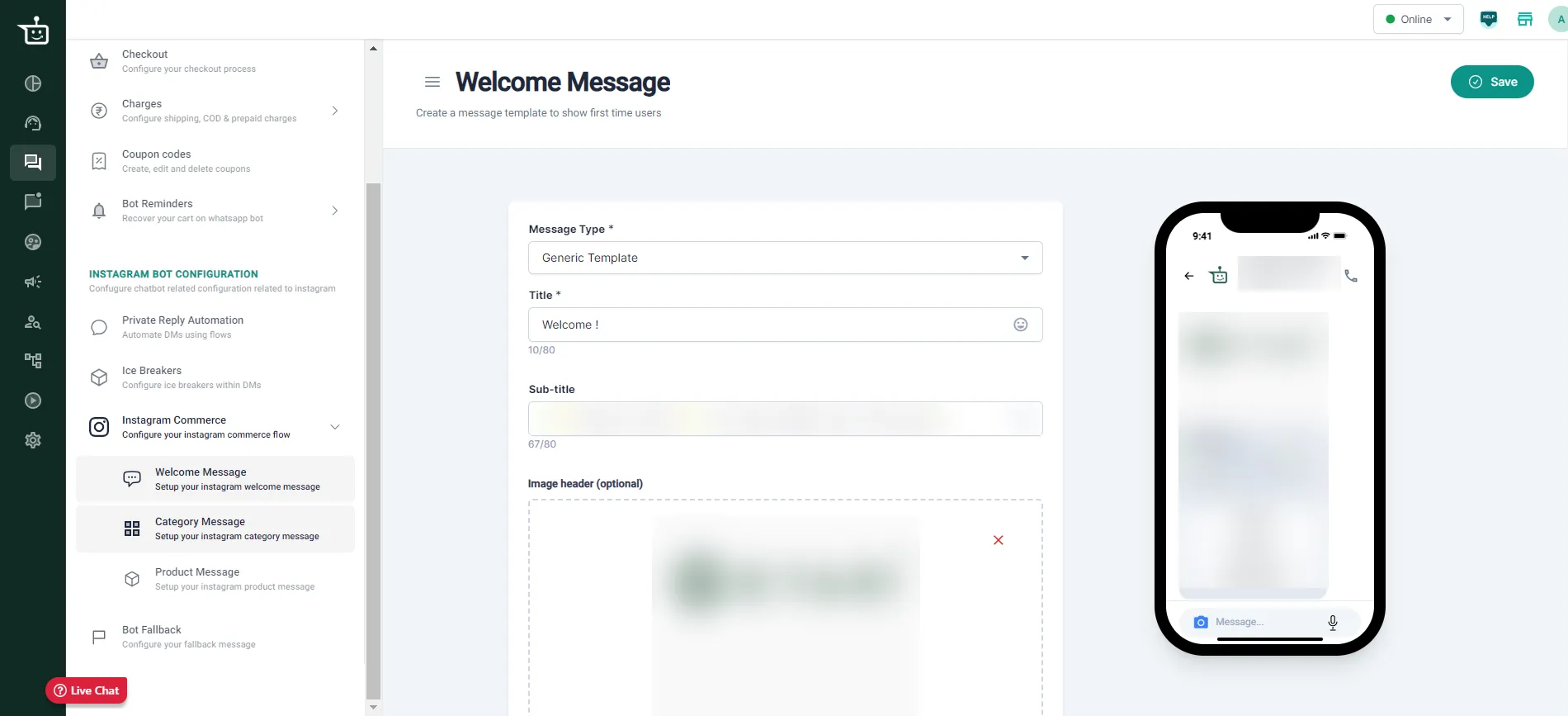
Welcome message. Greet customers when they enter the flow with plain text or a card with an image, title, subtitle and up to 3 buttons (for example Shop Now and Agent Chat).
-
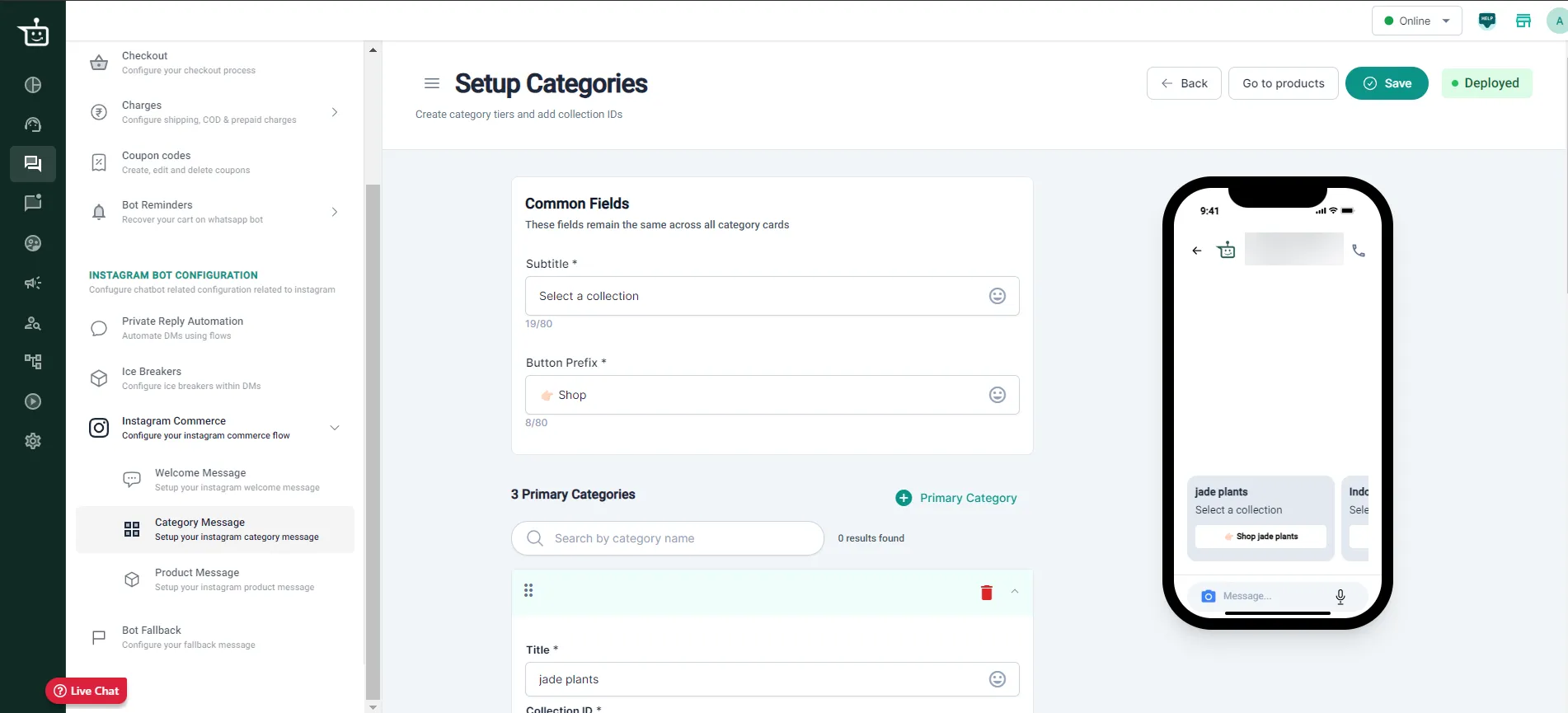
Category message. Organise products into primary, secondary and tertiary categories, so customers can browse in a clear structure. You can import your category structure from your WhatsApp commerce flow instead of setting it up again.
-
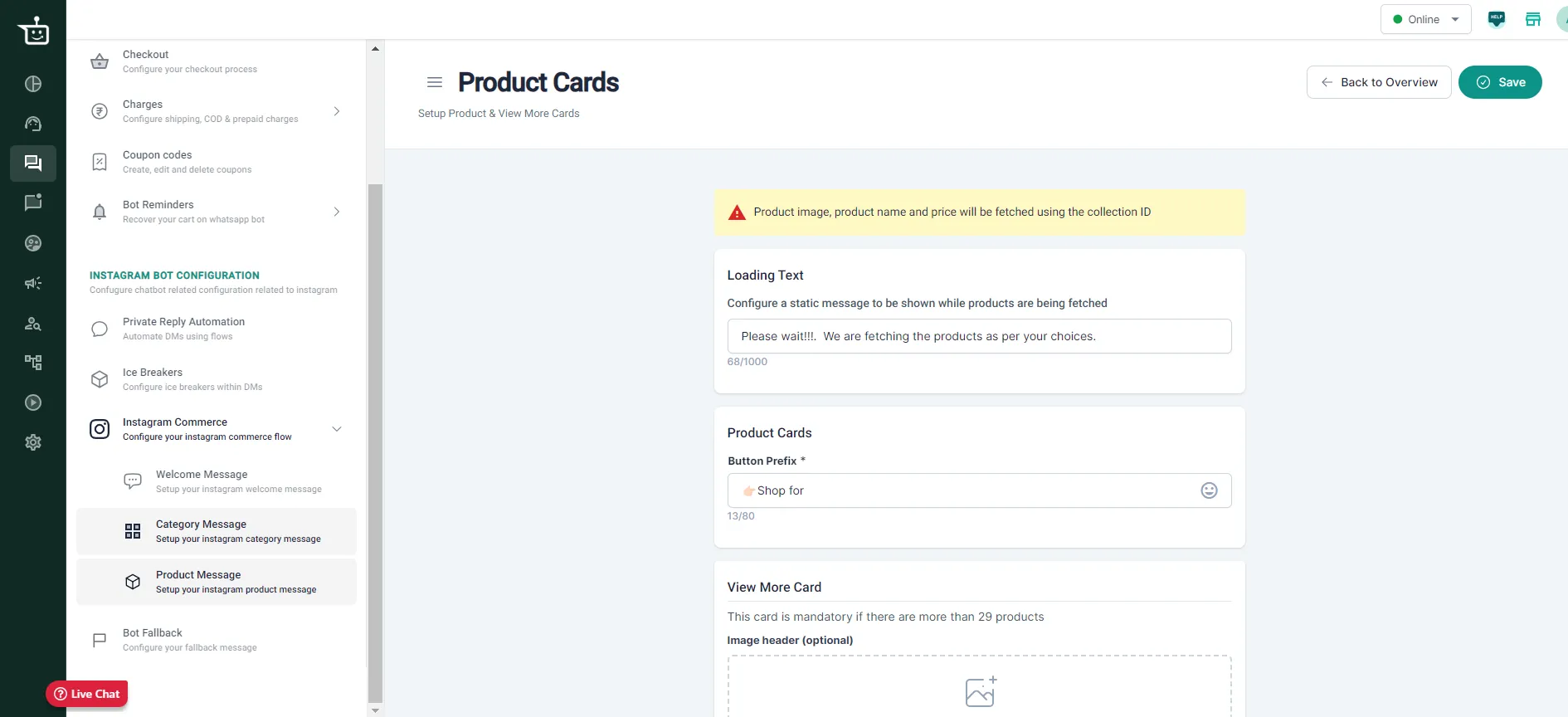
Product carousels. Show up to 10 products per carousel, each with an image, title, subtitle and a button that opens the product page. Product image, name and price are fetched using the collection ID.
-
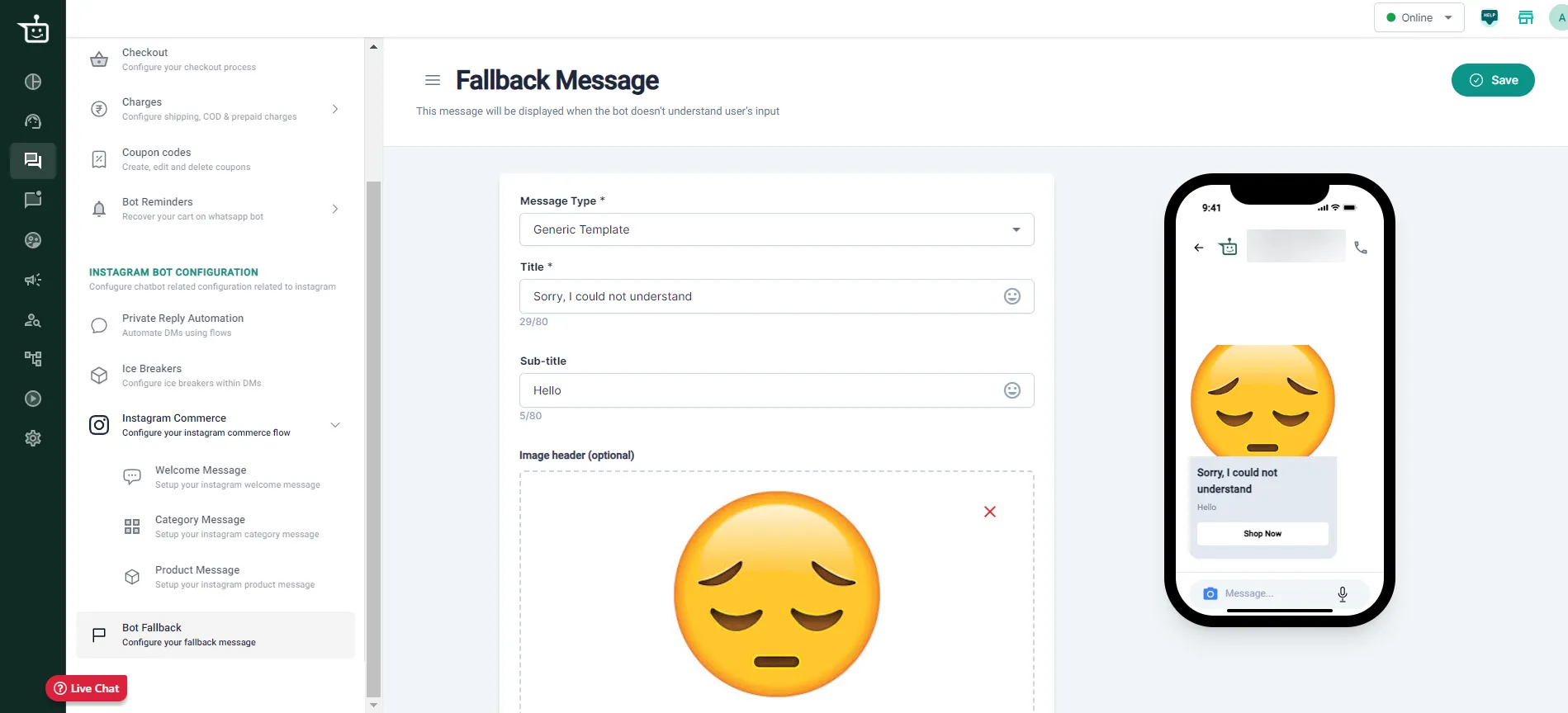
Loading and fallback messages. Set a loading message that shows while products are being fetched, and a fallback message for when the bot doesn’t understand a customer, for example offering a chat with an agent.
-
Works with Shopify and WooCommerce. Collection IDs are fetched and checked automatically from your store.
Good to know
Section titled “Good to know”- At most two product carousels are shown at a time. If a category has more products, a View More card takes customers to your website. The View More card is required when there are more than 29 products.
Learn more
Section titled “Learn more”Was this page helpful?
Thanks, this helps us improve this page.
Still stuck? Email support@businessonbot.com